What's New: Generate Access Codes for Your Rentals
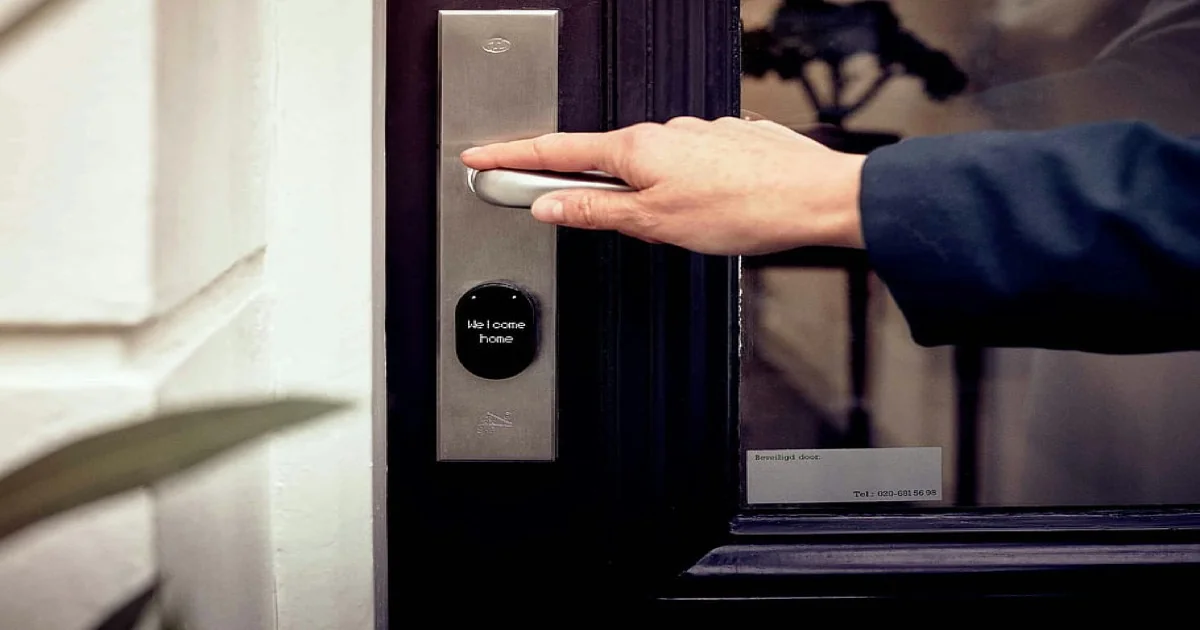
If you have a studio with electronic locks compatible with the Tuya system, you can now connect them to Meety. It works for any space rental where you don't need a reception desk, for example:
- photo studio rental
- pottery workshop rental
- sound rehearsal room rental
- yoga studio rental
Read the detailed guide on how to connect your locks with the Tuya app and cloud project, and how lock management works in Meety.
Smart locks connected to Meety: access without reception 🔐
Instead of manually sending codes via SMS or sharing one shared code, Meety after a booking is created:
- creates a temporary PIN for your locks valid only during the booking (you can also set a buffer, for example 10 minutes before the appointment),
- shows this code to the customer on the booking confirmation page,
- and sends it in emails too (in the confirmation and in the reminder before the appointment)
You can use multiple locks and assign them freely to services. For example, you can add a lock on the entrance and then on a separate room.
What happens when something goes wrong
You might ask: that sounds great, but what if the lock is offline for a while or the Tuya cloud integration fails? In that case:
- Meety retries generating the code roughly every 15 minutes, as long as the appointment is still valid,
- the customer sees a fallback code you set earlier instead of the unique code (they don't know whether the code is unique or a fallback),
- Meety emails the business administrator that something is wrong.
Get started today
If you run a space where customers arrive on their own and you don't want to handle access manually, smart locks connected to Meety will save you time and hassle.
Need help installing smart locks or checking compatibility with Meety? Write to us and book a free consultation. The same applies if you already have locks installed and just need to connect them — we're happy to help.